How-to · First-time hosts · 1:01
Host Quick-Start: Set Up by Voice
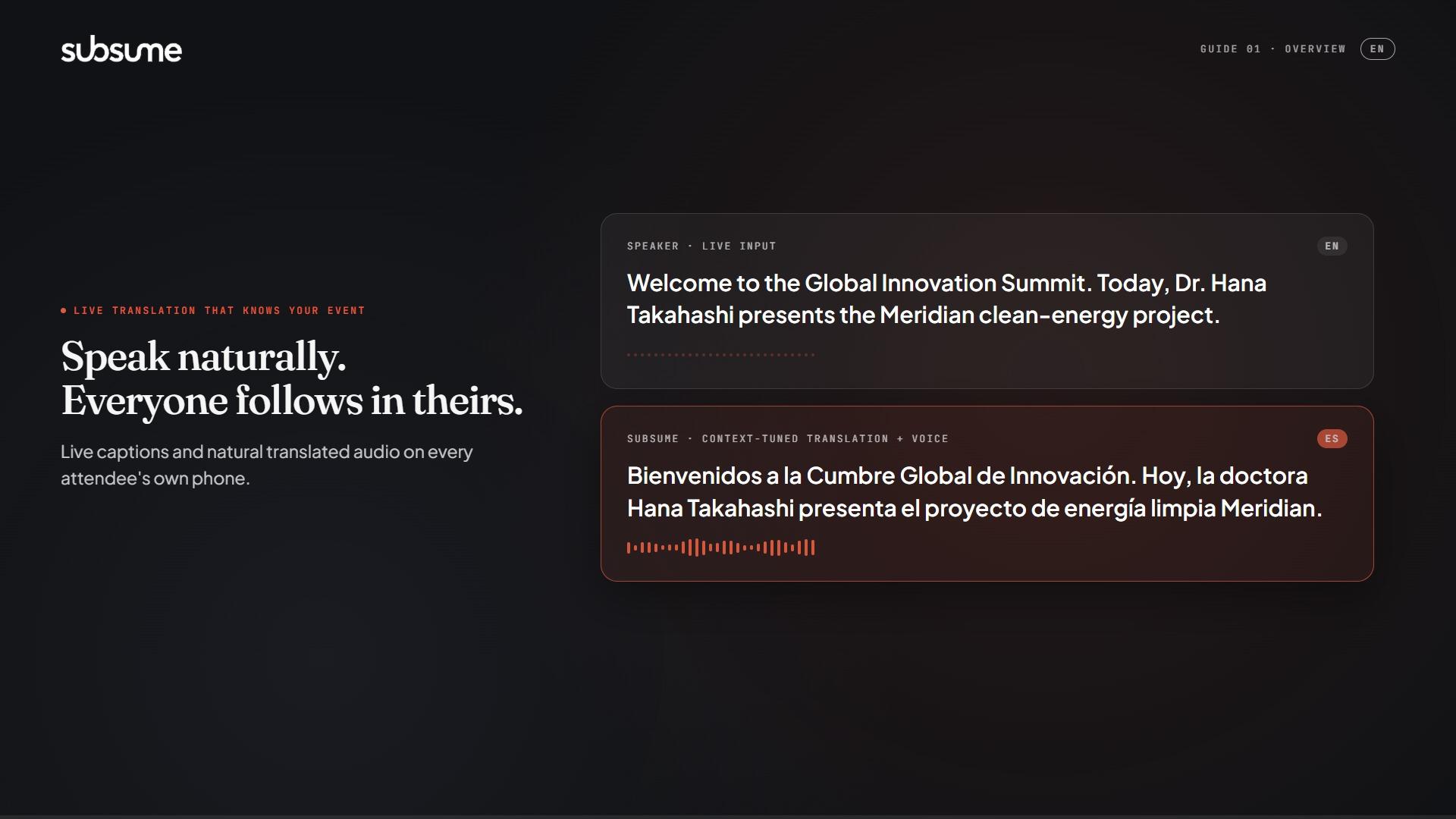
Describe your event in your own language and let Subsume's voice agent configure languages, audio, and terminology in seconds.
Step-by-step quick reference
- 1
Click Talk in your dashboard
From the top toolbar on your Sessions dashboard, click Talk (or type if you prefer) and pick your language from the globe menu.
- 2
Describe your event naturally
Say what you're hosting, the language you'll speak, which target languages guests need, and whether you want translated audio. Mention key speaker names or terms.
- 3
Review setup or add slides (optional)
When the agent confirms your session is ready, click Review setup if you'd like to drop in PowerPoint, PDF, Word, or agenda files for sharper accuracy.
- 4
Open session, share QR, and press Start
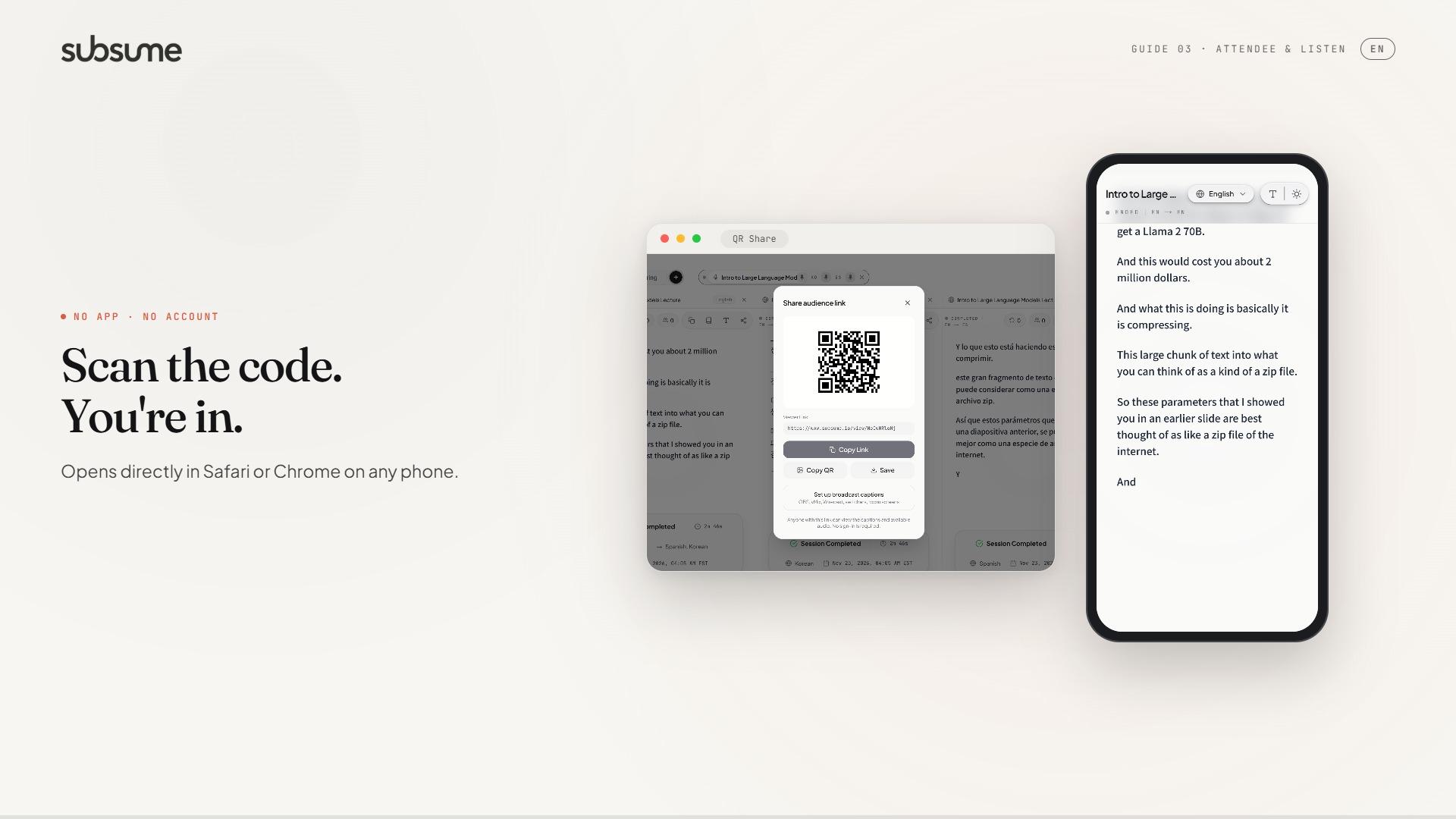
Click Open session, share the QR code or viewer link with your room, and press Start when you're ready to speak.
Good to know
- You can switch the agent between English, Japanese, Korean, French, and Spanish anytime using the globe selector.
- Already have slides? Uploading them takes 10 seconds and helps Subsume track topics and exact spellings live.
Ready to run your first session?
Open your dashboard to start by voice, or try the interactive demo in your browser.